22/10/2026 19:42
Slider Only or Complete Zipper? Telegram Link Previews for Cambodian Sewing-Supply Shops
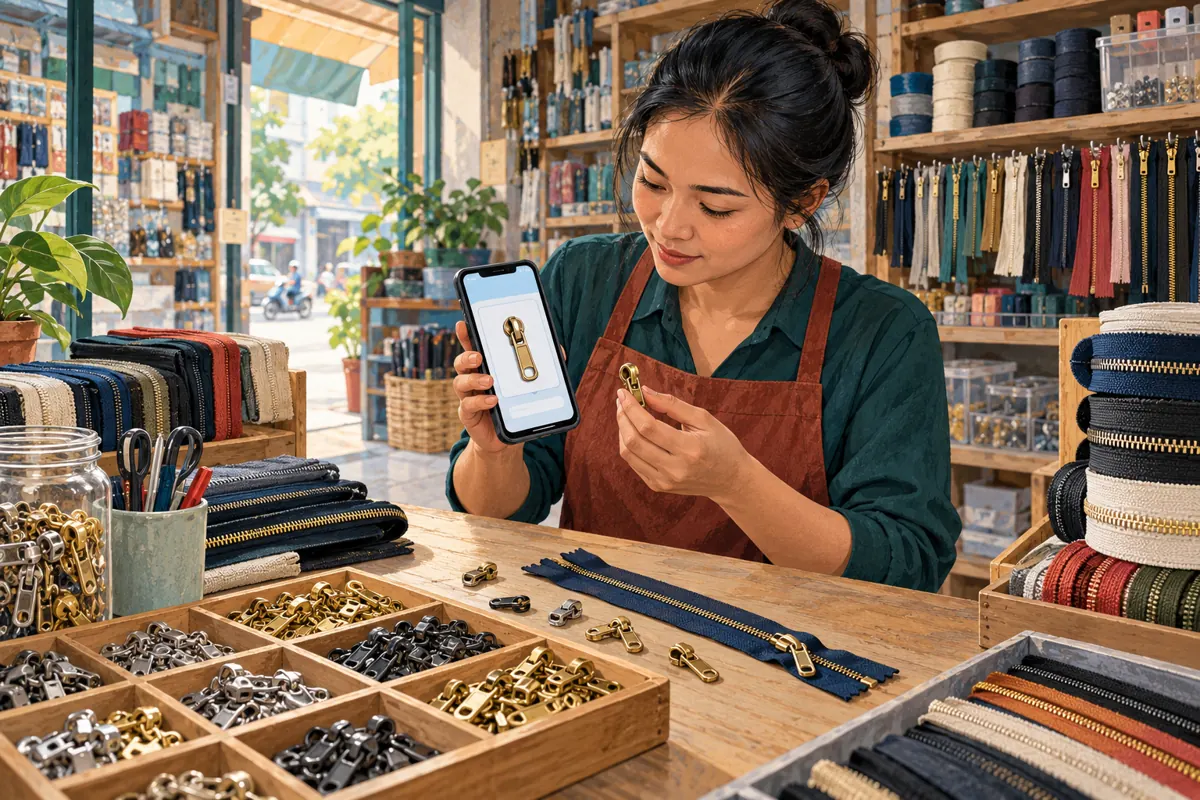
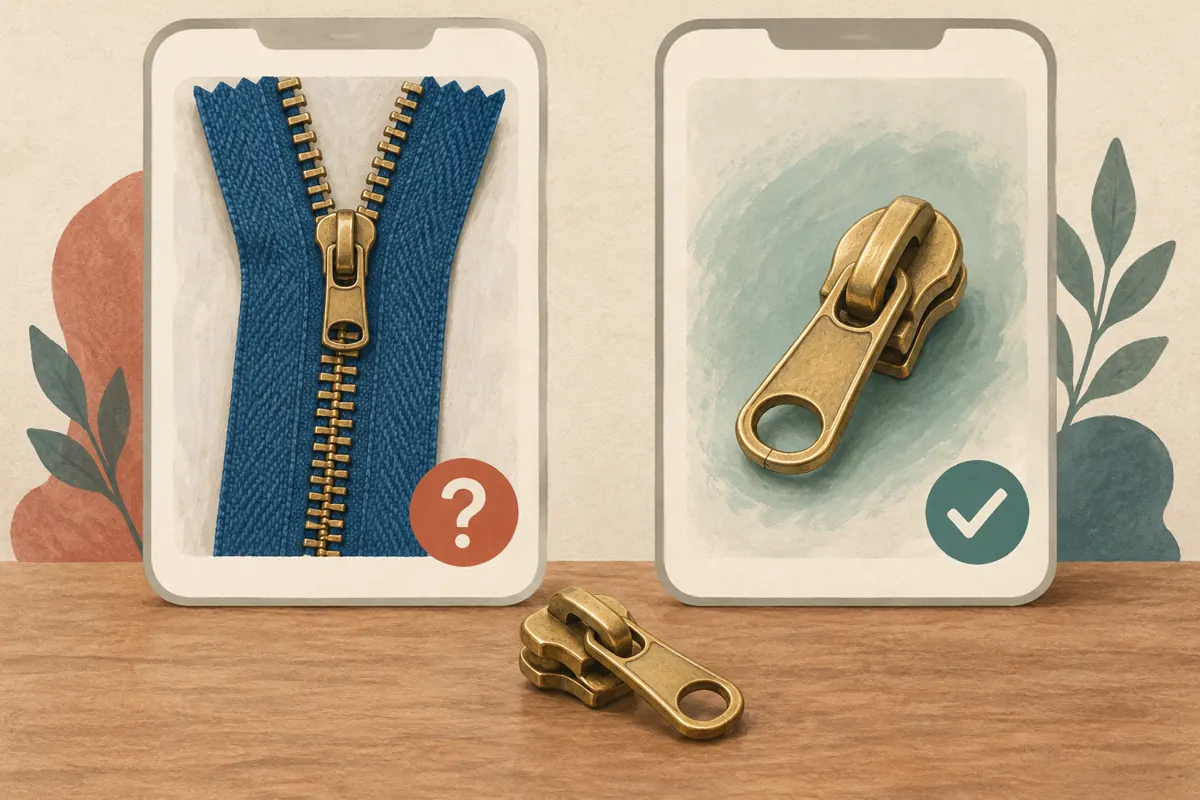
A Telegram post can describe a replacement zipper slider correctly while its link preview shows a complete zipper. That mismatch gives buyers two different offers to interpret. For a Cambodian sewing-supply shop serving tailors, bag makers and repair businesses, the result may be unnecessary questions, unsuitable enquiries or customers arriving with the wrong expectations. Before promoting the post or considering an SMM panel service, check the product story across the message, preview and destination. This workflow uses a hypothetical zipper supplier to show how to make those three elements agree and judge the response without confusing visibility with buying interest.
1. Define the exact misunderstanding you want to prevent
Start with a specific purchasing question: does this offer include the slider alone, the zipper tape with teeth, or a complete assembled zipper? A broad message such as “zipper supplies available” leaves that distinction unresolved. Decide which item the post promotes before choosing its photograph or destination. Write the included components in ordinary language, then list any compatibility information the shop must verify before recommending a part.
In a hypothetical Phnom Penh shop, the owner wants to promote replacement sliders to local bag-repair businesses. The catalogue homepage shows colourful complete zippers, while a separate product page shows loose sliders. Sharing the homepage would create an avoidable interpretation problem. The useful outcome is an enquiry about matching a replacement part. A visually attractive card that encourages requests for complete zippers does not serve that purpose.
2. Choose the destination before polishing the preview
Open the intended product page as a visitor and inspect what appears first. The page should identify the same component as the Telegram message, show an appropriate photograph and explain how to ask about suitability. Check whether the displayed variant matches the offer. A page that opens on a complete zipper and hides loose sliders further down makes buyers perform extra interpretation, even if the correct item is technically present.
Use the most specific suitable public page the business actually maintains. If there is no dedicated slider page, a clearly labelled category page may be acceptable when the message explains what buyers will find there. Do not invent a product destination merely to make the promotion look complete. If the available page remains confusing, prepare a straightforward product photo and enquiry instruction while the page owner fixes the information.
3. Configure the preview around the buyer’s task
Telegram’s official adjustable-preview guidance says messages can show a page title, description and media. It documents controls for media size, placing the preview above or below the message, and choosing which link supplies the preview when several links are present. It also says tapping the preview area opens the link. These controls affect presentation; they do not establish whether the product information is correct.
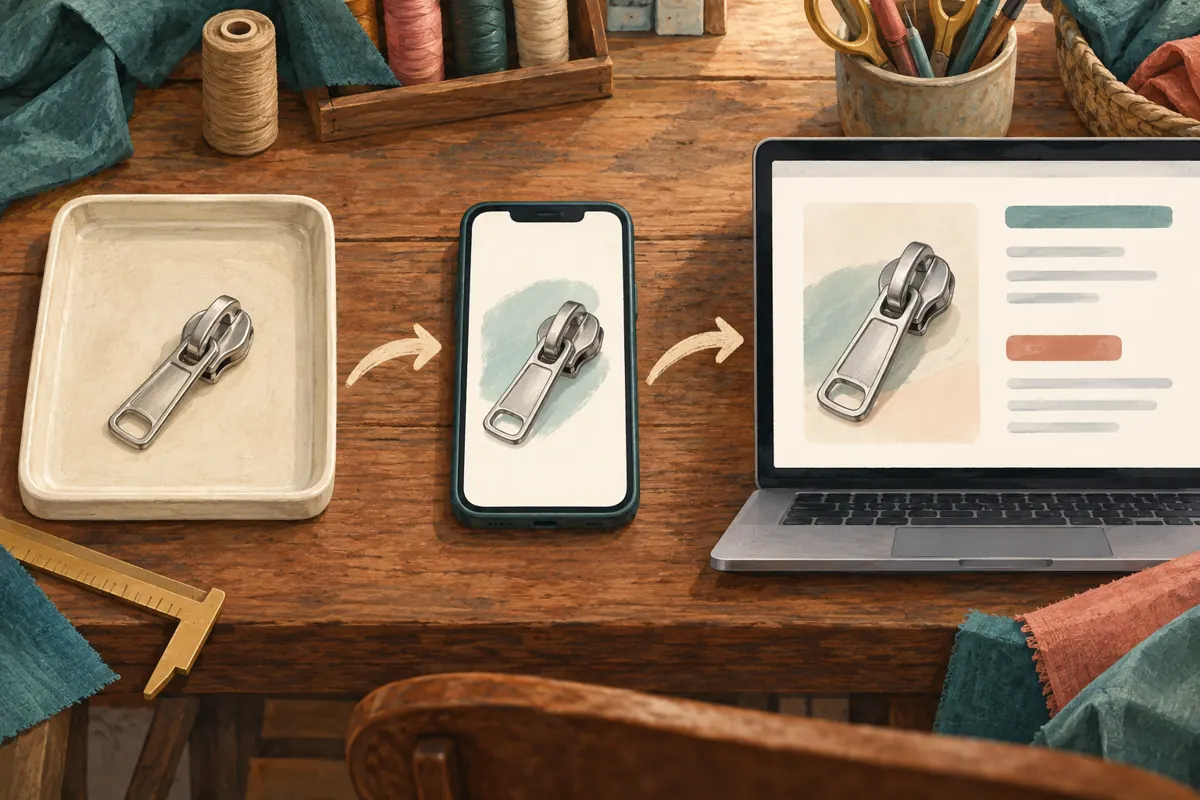
Draft the message, add the intended URL and inspect its preview controls in your current app. Select the product link if another destination has been picked. Try the available media sizes and position, then review the whole message. For this hypothetical slider offer, place the explanatory sentence before the preview so readers encounter the component distinction early. Treat that as an editorial choice, not a promise of stronger distribution. The official feature reference is listed in Sources.
4. Inspect the image as a product claim
Ask what someone would assume if they glanced only at the card. A slider mounted on a long strip of zipper tape may imply that the strip is included. A collection of different finishes may imply that every finish is available. A close crop can conceal the part’s shape. Select a photograph that makes the offered component recognisable, and explain any surrounding objects that are present only to demonstrate use.
For the hypothetical supplier, a loose slider on a neutral surface is a clearer starting image than a finished bag. A separate supporting photo can show where the component sits on a zipper. Keep those roles distinct. The editorial illustrations accompanying this article explain the workflow; they are not product photographs, compatibility evidence or pictures of an actual customer. Shops should use accurate images of their own offer when preparing sales material.
5. Write a message that works without the card
The written message should identify the item even when the preview is overlooked. Include the component name, what is supplied, the purpose of the destination and the next useful action. Use Khmer for customers who prefer it, while retaining genuine product codes exactly as printed. Have someone familiar with local customer vocabulary check that the wording distinguishes a replacement slider from a complete zipper rather than relying on a direct translation.
An illustrative English draft could read: “Replacement zipper sliders: slider only, without zipper tape. Open the product page to compare the available shapes. For a matching enquiry, send a clear photo of your existing zipper and any visible markings. We will check suitability before confirming a quote.” This is a hypothetical example, not a claim about actual stock. Add pickup or delivery information only when the shop has confirmed it.
6. Give each additional link a clear reason to exist
A post containing a catalogue link, location link and enquiry link asks readers to make several decisions. Before including all three, identify the immediate task. A product-comparison post usually benefits from making the product destination prominent. A collection notice may need location information instead. Label each retained link by its purpose so readers can understand the choice without guessing from a long address.
In the hypothetical slider campaign, the supplier keeps the product page in the main message and provides collection details during the enquiry. That reduces competing instructions without withholding anything needed to understand the offer. If two destinations are essential, inspect them separately and confirm which one appears in the card. Avoid assuming that a neat preview means every URL in the message has been checked. The destination behind each link still needs its own review.
7. Run a short comprehension test before promotion
Ask a colleague who did not prepare the post to review a test copy on a phone. Give them three tasks: describe what is included, identify where the main link leads and explain what they would send to request help. Do not explain the intended answer first. If they describe a complete zipper when the offer is slider-only, record the precise source of confusion and revise that element.
Then ask them to open the destination and repeat the description. This catches cases where the message is clear but the page changes the apparent offer. Record the tested URL, date and correction in a short editorial note. A successful internal check means the sample reader understood the intended task; it does not establish that all customers will understand it or that the post will generate sales. Recheck after any material product-page change.
8. Keep SMM panel services outside the product-quality decision
One public service name supplied for moha-smm.com is “Telegram - Premium views - [ MIXED COUNTRY ]”. Its label identifies a Telegram view offering, but the supplied description is empty. The name alone does not verify audience origin, account characteristics, delivery method or commercial value. It provides no basis for saying Cambodian tailors will visit the product page, ask about compatibility or purchase sliders.
Before considering any service, read its current details and the platform rules relevant to the proposed activity. Keep the content decision separate: the post must already explain the offer accurately. Purchased engagement is not evidence of genuine interest, sales, ad delivery or Cambodian users. If a provider cannot explain what is being delivered, the uncertainty remains unresolved. A view service cannot repair a misleading card, confirm stock or establish that the destination matches the customer’s needs.
9. Review enquiries separately from the post’s view counter
Telegram’s Channels FAQ explains that post views include views of forwarded copies and that the figures are approximate. The counter therefore should not be treated as a count of distinct potential customers. It also does not tell the shop whether someone opened the linked product page. The official FAQ is listed in Sources.
Keep a modest enquiry record instead: which item the person asked about, whether they understood that the offer was slider-only, what information was missing and whether the shop could offer a suitable next step. Record any panel activity separately from those observations. If people repeatedly request complete zippers, revisit the image and opening sentence. If they understand the part but cannot identify their existing zipper, improve the photo-request instructions. Avoid attributing a sale to a preview change without evidence of that customer’s path.
10. Resolve common mistakes with a clear stopping rule
A common mistake is approving the card because its picture looks attractive while ignoring its title or destination. Another is using one generic page for several different components. Shops can also accidentally present an example photograph as available stock or add so many instructions that the actual enquiry request disappears. Review the whole offer as a buyer would encounter it, rather than approving its parts independently.
Use a simple decision rule. Proceed when the message, card and page describe the same offer and the enquiry route works. Revise when a mismatch can be corrected. Hold promotion when product identity, availability or destination accuracy remains uncertain. If the page has been corrected but the visible preview is still wrong, do not assume every recipient now sees the correction. Inspect a fresh test and choose a clearer presentation if necessary. Assign one staff member to resolve the outstanding issue.

Frequently asked questions
Should every zipper-supply post include a link preview?
No. Use a preview when it helps readers understand and open a useful destination. If the available card suggests the wrong component, a clear product photograph with an accurately described link may communicate better. The decision should depend on whether buyers can understand the offer, not on making every post look identical.
Can changing the preview position fix a wrong product picture?
Position changes the reading order, but the misleading image still needs attention. Check whether you selected the intended link and whether the destination represents the correct product. If the page owner must correct the image or information, wait for a reviewable result or use a clearer presentation before promoting the offer.
What should a Cambodian shop request in a slider enquiry?
Ask for a clear view of the existing zipper, the slider if available and any visible markings. Explain that the shop will assess the information before recommending a replacement. Avoid promising compatibility from appearance alone. Request additional details only when they help the staff member distinguish between possible parts.
Does a higher Telegram view count show that the new preview worked?
It cannot establish that by itself. Review whether actual enquiries show better understanding of the offer, and note other changes such as posting time, distribution or panel activity. A few conversations can reveal a recurring misunderstanding, but they do not justify a broad claim that the preview caused more sales.
Should a view service be ordered while the product page is being fixed?
Complete the content review first. Sending attention toward an unresolved offer makes it harder to interpret the response and can generate avoidable questions. Once the page and message agree, assess any service independently using its documented scope and applicable platform rules. Choosing not to order remains a valid decision.
Explore the current service catalogue, create an account, or ask a specific question through support tickets.
- Telegram: Replies 2.0, Adjustable Link Previews, Name Colors and More
- Telegram Channels FAQ: What Does the Eye Icon Mean?
Prepared with AI assistance. Illustrations explain the workflow and do not represent customer results.