21/10/2026 00:37
Where Should First-Time Renters Start? YouTube Home Tabs for Cambodian Tool-Rental Shops
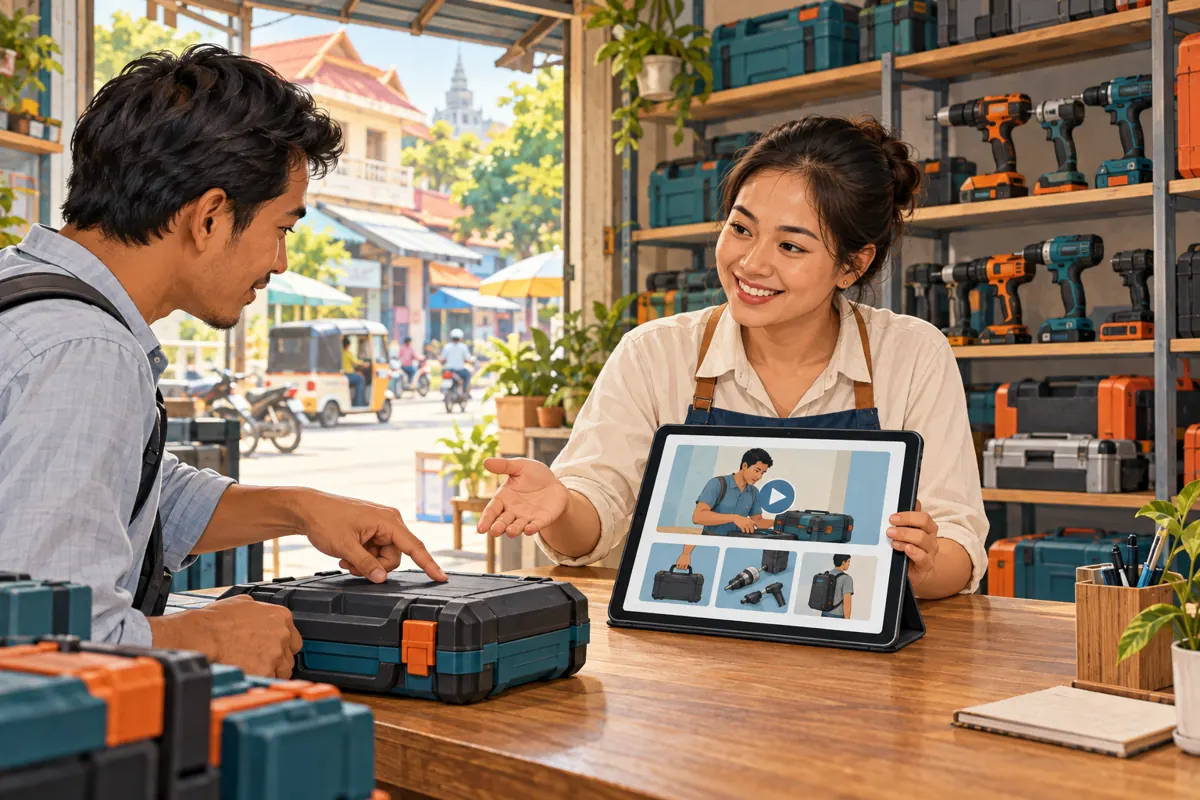
A customer reaches your tool-rental shop’s YouTube channel after seeing a demonstration. They want to know whether you rent equipment near them, what comes in the case and how to ask about a booking. A collection of unrelated uploads makes that work harder. A carefully arranged channel Home tab can give those questions a sensible starting point. This guide uses a hypothetical Cambodian rental shop to explain how to choose introductory content, organize practical guides and test the route to an enquiry. It also explains why buying engagement through an SMM panel cannot establish whether the channel helps actual renters.
1. Define the visit you want to help
Start with a customer task rather than a preferred video. In this hypothetical example, a shop in Battambang rents portable tools and receives questions from people who cannot identify a model by name. Its first-time visitors need an introduction to the rental process. Experienced customers want to check a particular case, accessory or collection arrangement. These are different information needs, even when both people arrive at the same channel.
Write one sentence for the Home tab’s purpose: help visitors find the relevant rental guide and send a useful availability enquiry. Then identify the minimum information that supports that purpose. For this shop, it includes its service area, the equipment categories it actually rents and the details staff need before discussing availability. Avoid turning the channel entrance into a catalogue of every machine. A visitor should understand where to begin without already knowing the shop’s internal product names.
2. Understand the available Home tab controls
YouTube’s official layout guide distinguishes a channel trailer for people who have not subscribed from a featured video for returning subscribers. It also supports sections that showcase content, including playlists. Subscription status is not the same as customer history: an established renter may never subscribe, while a subscriber may never have rented anything.
On desktop, open YouTube Studio, choose Customization, then Home tab, and enable the tab if needed. Under Layout, use ADD section to choose Channel trailer or Spotlight, select the appropriate video and click Publish. Add playlist sections through the same area, and drag sections into the desired order before publishing. YouTube says a trailer or featured video stops appearing to a viewer after they have watched it. Keep essential guidance accessible elsewhere in the channel layout. The exact supporting instructions are in YouTube’s official layout guide listed in the sources.
3. Make the trailer answer the first rental question
For the hypothetical shop, the trailer’s opening should establish that the business rents tools and where it serves customers. Show the real collection counter and a representative closed case. Explain what viewers can learn from the channel, then show how to begin an enquiry. A useful script might ask customers to describe the job, proposed rental dates and collection or delivery needs. Staff can then discuss the appropriate next step.
Use the language your intended customers understand. A business serving mainly Khmer-speaking renters should plan Khmer narration and readable Khmer supporting text, even when its internal marketing brief is in English. Show recognizable objects while naming them so viewers do not have to rely entirely on technical vocabulary. Keep changing prices, temporary stock promises and short-lived promotions out of the evergreen introduction. Those details need confirmation when the customer contacts the shop. The trailer should explain the process without sounding like a reservation confirmation.
4. Give returning subscribers a practical reason to watch
Choose the returning-subscriber feature around a recurring question that deserves a clear answer. In the hypothetical example, customers keep asking what accompanies a particular rental case. A focused video can show the case contents, identify which model is pictured and explain that the final rental package must be confirmed with staff. This offers a useful next step for someone who already recognizes the business.
Select that feature because it resolves a current information problem, rather than because it is the newest upload. Before featuring it, compare the pictured package with the shop’s current offering. If the contents vary, say so clearly and avoid presenting optional accessories as universally included. Assign someone to review the feature whenever that package changes. A feature that remains accurate is more useful than a frequently rotated video that introduces new uncertainty. Keep the general introduction and package-specific explanation distinct in their titles and opening shots.
5. Arrange sections around rental decisions
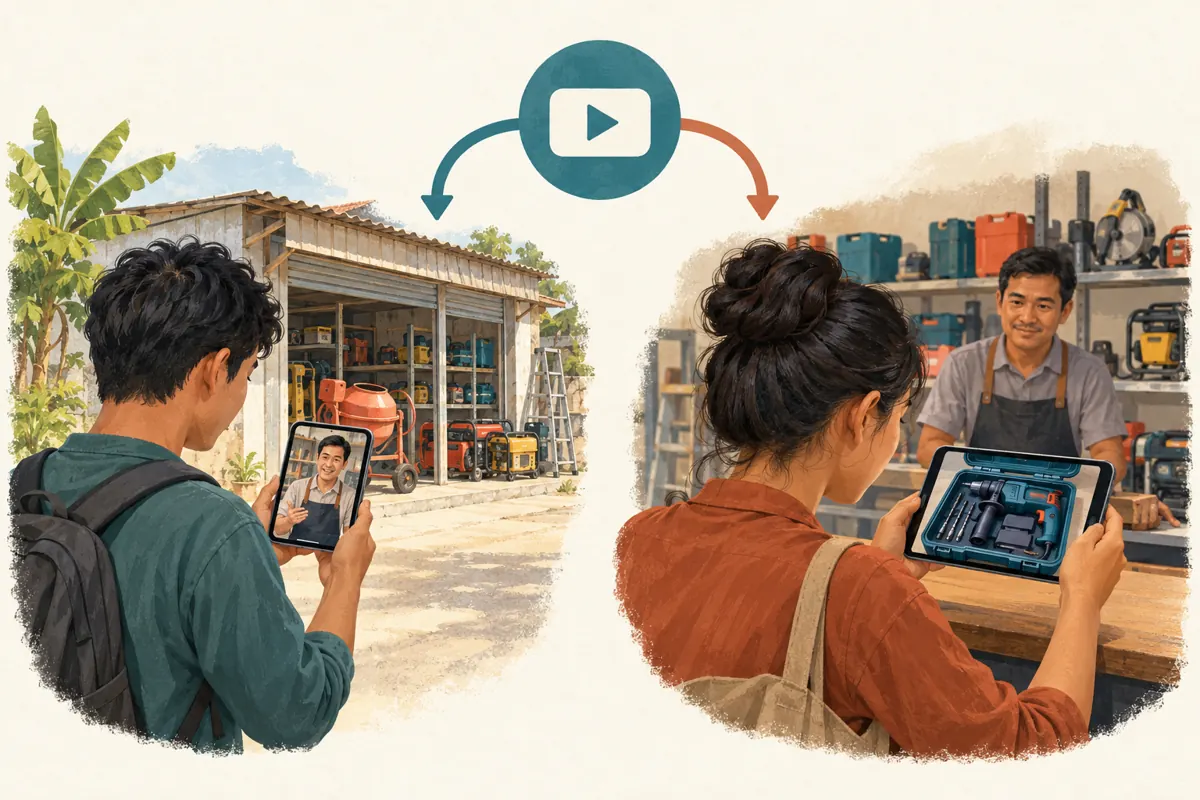
Sketch the proposed layout on paper before adjusting the channel. For this hypothetical business, three useful groups are first-rental guidance, equipment and case identification, and collection and return preparation. These are editorial categories, not claims about automatic YouTube classifications. Put the information that helps the least familiar visitor near the beginning, then let more experienced viewers move into specific guides.
Give each group a clear purpose. An equipment-identification section might contain videos showing external model markings and package differences. A collection-preparation section might explain what information customers should have ready when discussing pickup. Do not place a video in every group merely to make the page appear full. If the library contains only a few strong guides, use a compact arrangement. Empty promises in section names are particularly unhelpful: a heading suggesting complete operating instruction should not lead to a short promotional montage. Review the actual contents before choosing the label.
6. Separate education from live availability
A recorded demonstration describes what was filmed. It does not prove that the pictured tool is available for a customer’s dates. Make that distinction part of the enquiry route. Ask customers to identify the relevant guide or model, state their intended dates and explain where the equipment is needed. Staff should check the current rental record before confirming anything.
For example, a hypothetical customer sends a screenshot of a case and asks whether it can be collected tomorrow. The staff response should establish which package the screenshot represents and check availability. It should not assume that watching the channel reserved the tool. Keep private booking details out of public comments, and move the conversation to the shop’s chosen contact channel when necessary. This workflow also helps staff recognize when the customer has selected a guide for a different model. Correct that mismatch before discussing the package as though it were already agreed.
7. Match the promotional link to the visitor’s question
A broad introduction to the business can reasonably direct people to the channel, where they can explore several guides. A post answering one specific question should usually point to the relevant video. In the hypothetical campaign, a general shop introduction links to the channel, while a post about identifying case contents links directly to that explanation. This reduces the searching required after someone follows the promotion.
Write the surrounding message to match the destination. If the post promises a guide to collection preparation, the destination should provide that guide without making the visitor hunt through unrelated demonstrations. Use clear local context, such as the actual branch or service area, wherever it affects the decision. Do not imply nationwide delivery merely because the content is visible across Cambodia. Before sharing, have a colleague follow the proposed link and describe what they believe the shop is offering. Their interpretation can reveal an unclear promise before customers encounter it.
8. Evaluate SMM-panel offers against the actual task
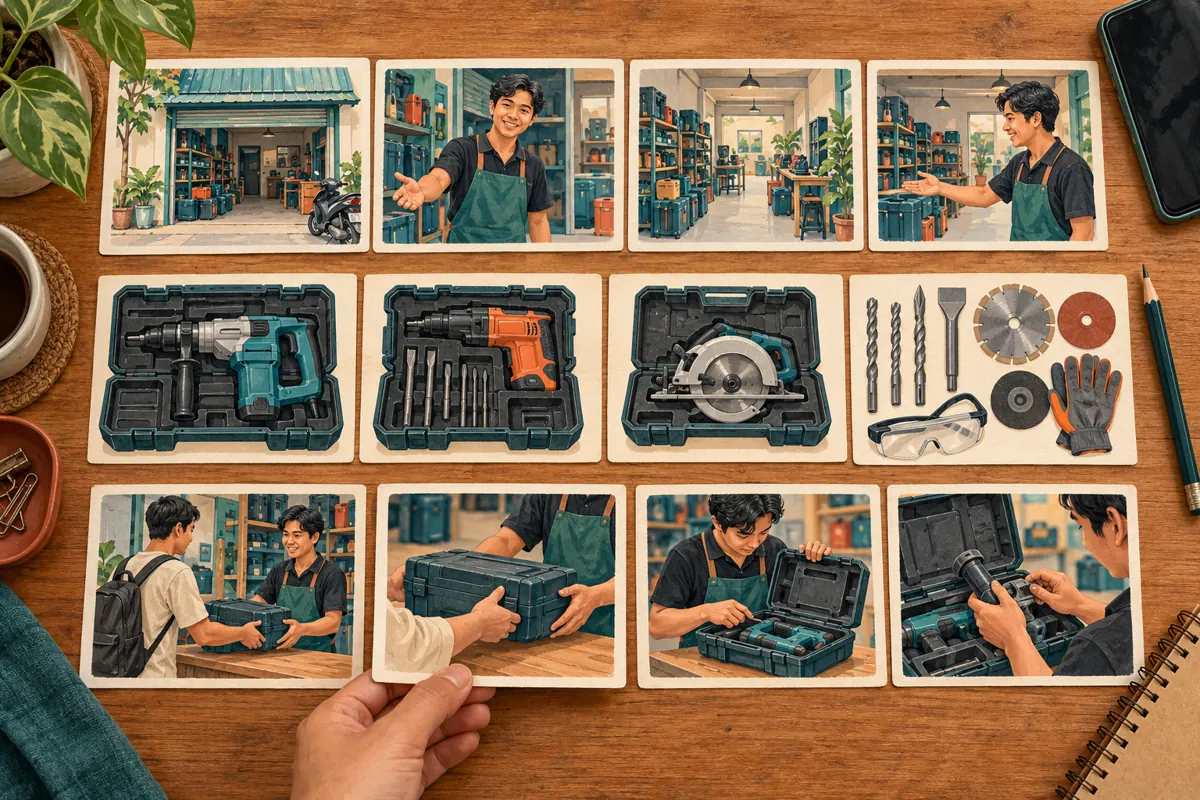
The supplied moha-smm.com catalogue includes the exact public service name “YouTube Like ~ Max 5k ~ 5k/days ~ Instant ~ 𝐍𝐎 𝗥𝗘𝗙𝗜𝗟𝗟”. Its title labels it as a likes service; the supplied description is empty. The wording is not verified evidence of delivery speed, audience location, genuine interest or suitability for this rental workflow. It does not describe channel-layout work, video editing or enquiry handling.
YouTube prohibits artificial increases in engagement and warns that a hired promoter’s actions can affect a channel. Reject methods that artificially inflate metrics. Purchased engagement is not evidence of Cambodian users, sales, legitimate ad delivery or rental demand. For this project, the decision is straightforward: a likes count cannot tell you whether someone found the correct guide. Direct effort toward accurate videos, understandable navigation and an accountable response process. Do not present a panel order record as proof that prospective renters understood the content or wanted the equipment.
9. Test the mobile journey without coaching
Ask a willing colleague unfamiliar with the layout to open the public channel on a phone. Give them a realistic task: find what information to send before asking about a rental, or locate the guide showing the relevant case. Let them navigate without pointing at the correct tile. Watch where they hesitate and ask what they expected a title or thumbnail to mean.
Record the obstacle precisely. Perhaps the introductory video looks like a machine demonstration, two packages have indistinguishable thumbnails or the enquiry instruction appears too late. Correct the specific obstacle and repeat that task. Also check the channel in a signed-out browser to catch differences from the owner’s editing view, while remembering that an individual viewer’s experience can vary. This is a practical usability check, not a statistically representative customer survey. Its value comes from revealing concrete confusion that staff can fix before investing more effort in promotion.
10. Measure useful enquiries and maintain the layout
Keep a small review log containing the layout change, its date and the question it was intended to resolve. In a separate enquiry record, note whether customers identify a package, provide rental dates and understand that availability needs confirmation. Ask which guide helped when that question fits naturally into the conversation. Leave the source unknown when the customer cannot remember; do not fill the gap with a convenient assumption.
Look for repeated misunderstandings before making another change. If visitors still confuse two cases, improve their identification guides rather than immediately rearranging every section. Avoid claiming that a layout change caused more bookings when promotions, stock or opening arrangements also changed. Common mistakes include featuring an expired offer, selecting videos solely by their view totals and leaving ownership of updates unclear. Assign one staff member to review featured content after package changes and another to check the public result. Keep the review focused on current accuracy and customer comprehension.
Frequently asked questions
Can the same video serve as the introduction and the returning-subscriber feature?
It may suit both editorial purposes if the library is small, but assess the two needs separately. A first-time visitor needs context about the business; someone familiar with it may need a specific package explanation. Begin with your strongest accurate guide, then create a separate introduction when you have a clear reason.
Should the shop send every social media visitor to the channel Home tab?
Choose the destination according to the promise. A general introduction can lead to the channel. A post promising a particular case guide should lead to that video. Sending everyone through the channel adds unnecessary searching when the visitor has already selected a specific question.
What if the shop has very few videos?
Use a small, coherent layout. An accurate introduction and a useful package guide can provide a reasonable starting point. Do not create overlapping groups or publish weak filler to imitate a larger channel. Let recurring customer questions determine which missing guide deserves production next.
Do more likes show that the new layout is working?
Likes alone cannot establish whether visitors found a guide or understood the rental process. Purchased likes provide no reliable evidence of local demand. Review concrete signs such as fewer package-identification errors and more complete enquiries, while recognizing that other business changes may influence those observations.
When should a featured rental guide be replaced?
Review it when the model, included accessories, collection process or contact route changes. Replace or correct a guide that could create a false expectation. A stable, accurate video does not need replacement simply because another upload is newer; usefulness and accuracy should drive that decision.
Explore the current service catalogue, create an account, or ask a specific question through support tickets.
Prepared with AI assistance. Illustrations explain the workflow and do not represent customer results.